

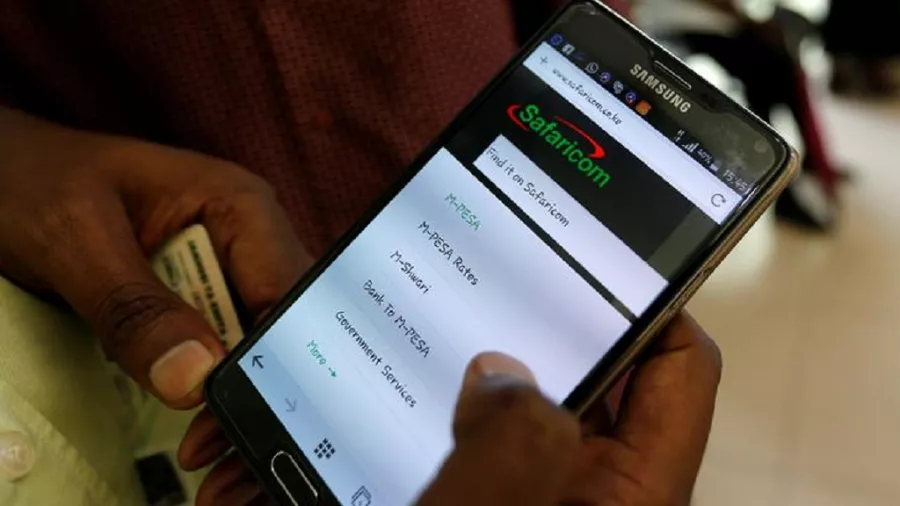
M-PESA users will now be able to pay at selected Pesapal terminals by tapping their phones or scanning a QR code, removing the need to manually enter till numbers and payment amounts.
Safaricom and payments company Pesapal have started rolling out two new ways for customers to make M-PESA payments on Pesapal point-of-sale (POS) machines.

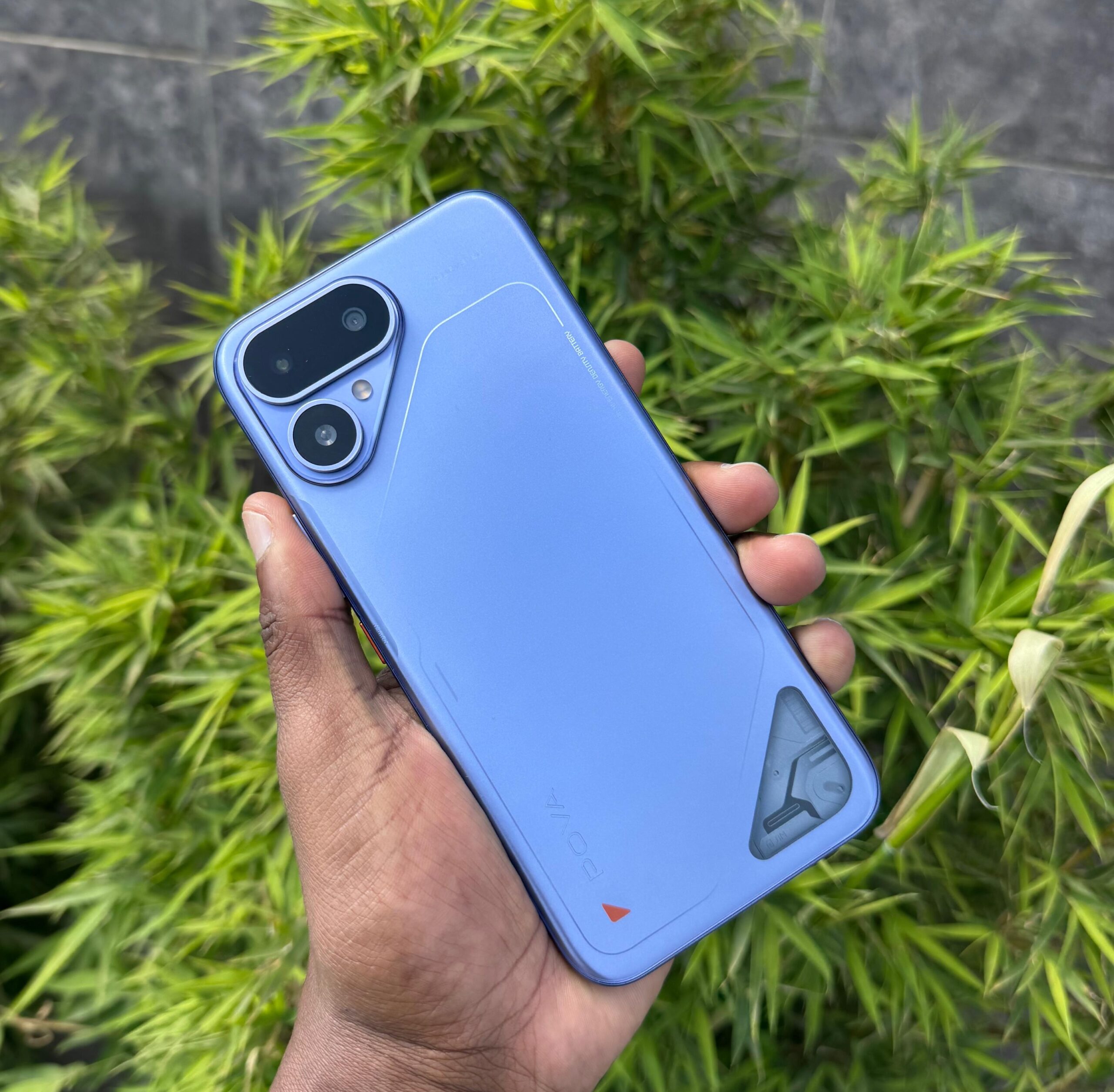
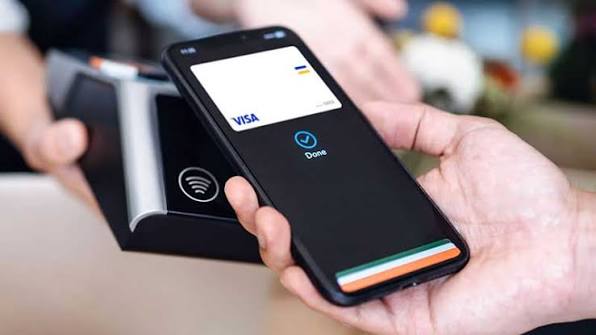
The new options allow customers to either tap their phones on the payment terminal or scan a QR code displayed on the machine.
For shoppers, this means fewer steps at the checkout counter.
Instead of manually typing a till number and payment amount into M-PESA, the details can be sent directly to the customer’s phone. The customer only needs to confirm that the merchant and amount are correct before entering their M-PESA PIN.
Pesapal is an independent payments company and is not part of Safaricom. It provides card payment terminals used by businesses, with outlets including restaurant chains such as Java House and Artcaffé among merchants using its payment infrastructure.
Pesapal’s terminals already allow merchants to accept both cards and M-PESA. The latest rollout changes how customers initiate the M-PESA payment.
How M-PESA Scan-to-Pay works
The first option uses Safaricom’s Scan-to-Pay service.
Customers normally encounter static QR codes displayed at shops. Scanning these automatically enters the merchant’s Till or PayBill number, but the customer still has to type in the amount.
Pesapal’s terminals will instead display a dynamic QR code, which carries both the merchant details and the exact bill amount.
If, for example, your restaurant bill is KSh1,450, the cashier generates the QR code on the terminal. You scan it using your phone, confirm that the merchant and KSh1,450 amount are correct, then enter your PIN.
Customers using My OneApp can complete the process through the application, while customers without the app can be redirected to M-PESA’s web checkout.
Standard M-PESA transaction limits continue to apply, including the current KSh250,000 maximum per transaction and KSh500,000 daily limit.
How M-PESA Tap-to-Pay works
The second option is Tap-to-Pay, which uses Near Field Communication (NFC).
NFC is the same short-range technology used when customers tap contactless bank cards on payment terminals.
Once the cashier initiates the transaction, a customer with an NFC-enabled smartphone and My OneApp can tap the phone against the Pesapal terminal.
The payment information then appears on the customer’s phone. The customer confirms the merchant and amount before entering their M-PESA PIN.
Safaricom has retained PIN verification for the payment, meaning tapping the phone alone does not complete the transaction.
The service is designed to reduce some of the mistakes associated with manually entering merchant numbers and amounts.
More than 60,000 outlets already using Scan-to-Pay
Safaricom says Scan-to-Pay is currently available at more than 60,000 merchant outlets.
The telco plans to expand the service to 500,000 outlets within the next year, more than eight times the current footprint.
Safaricom has also reported that My OneApp has recorded more than seven million downloads.
The app, which combines M-PESA and MySafaricom services, is important for Tap-to-Pay because customers need it to complete NFC payments.
Safaricom had earlier disclosed that My OneApp had about 4.7 million registered users, with around 1.3 million daily active users and nearly three million monthly active users.
Downloads, however, do not necessarily represent active users.
AI Pay offers another payment option
Safaricom is also developing AI Pay, another payment feature available through My OneApp.
Unlike Tap-to-Pay and the dynamic QR system, AI Pay is designed for situations where a merchant does not have a compatible payment terminal.
A customer can scan a printed or handwritten receipt, after which the app can identify and fill in available payment details such as the Till or PayBill number and the amount.
Safaricom first introduced the feature when My OneApp was launched.
The company has, however, not provided details on how widely AI Pay is currently available.
Pesapal rollout now under way
Some of the technology behind the latest announcement had already appeared on Safaricom’s customer support pages.
Safaricom previously indicated that merchants using Pesapal’s N950s terminals and selected N950u devices could accept Tap-to-Pay without installing additional hardware.
Its Scan-to-Pay information also already described the use of dynamic QR codes.
The latest announcement confirms Pesapal as a rollout partner and indicates that deployment of the services across compatible terminals is now under way.
Safaricom and Pesapal have not disclosed the exact number of Pesapal terminals currently enabled for the services, whether merchants will incur additional costs, or the specific outlets where customers can already use the new payment options.
For customers, however, the biggest change is straightforward: less typing at the till and a lower chance of sending money to the wrong merchant or entering the wrong amount.
The move also puts M-PESA alongside contactless card payments on the same POS machines as Kenya’s payments market increasingly shifts towards faster tap-and-scan transactions.
Tags: Safaricom, M-PESA, Pesapal, Tap-to-Pay, Scan-to-Pay, My OneApp, Mobile Payments, NFC, Digital Payments Kenya






![President William Ruto flanked by Environment CS Aden Duale. [PCS]](https://newstrends.co.ke/wp-content/uploads/2025/02/President-William-Ruto-flanked-by-Environment-CS-Aden-Duale-PCS-768x480.jpg)
